

Email Invoices
You can also send payment links directly to your customer's email address. You can create email invoices directly from your Confirmo dashboard by going to Payment Tools -> Email Invoices
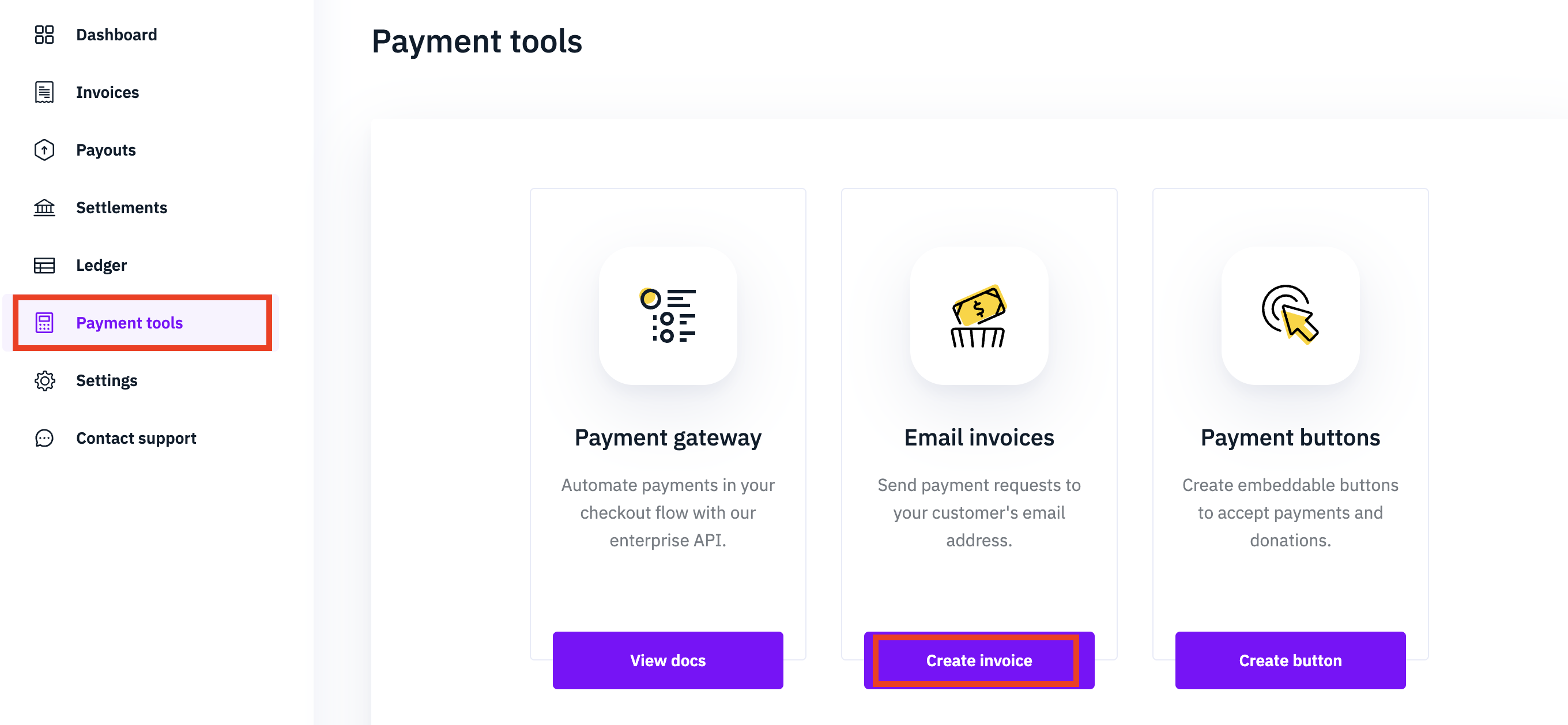
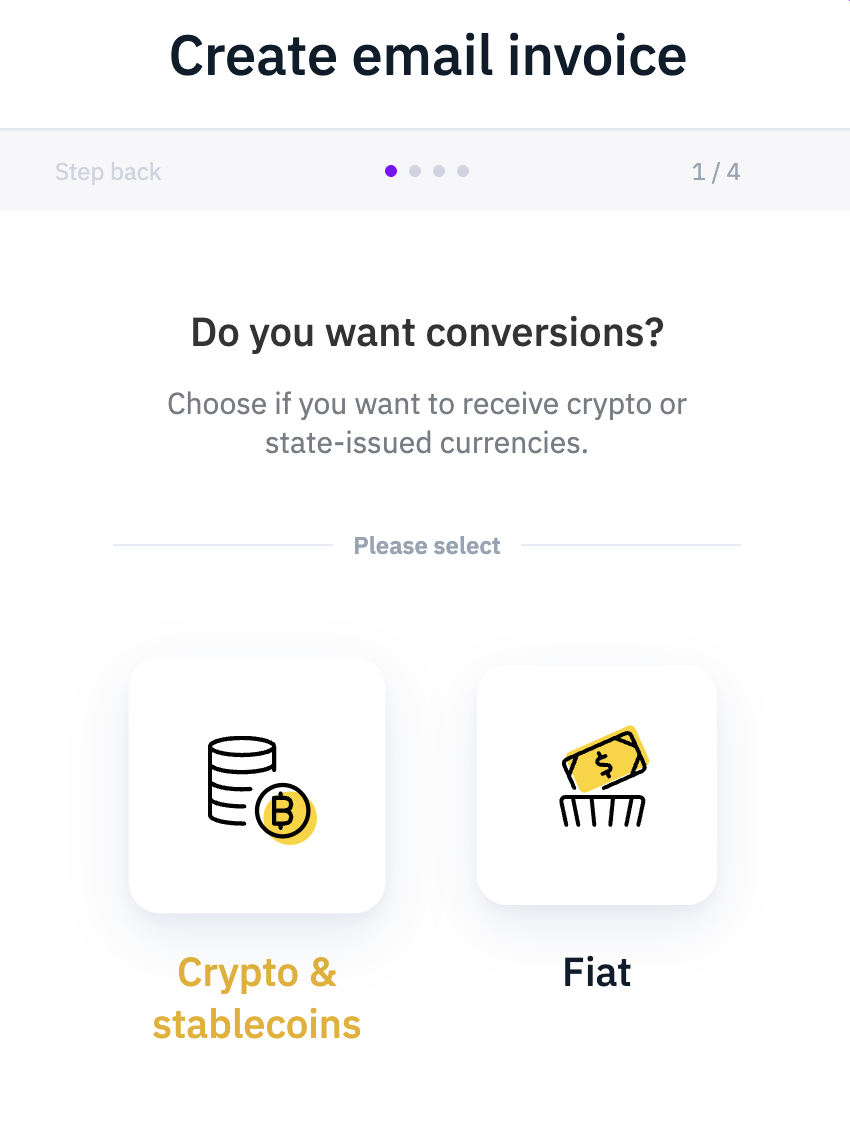
First, you have to specify how you want to receive the funds for the payment. This is equivalent to the parameter currency in the settlement object in the invoice creation method.
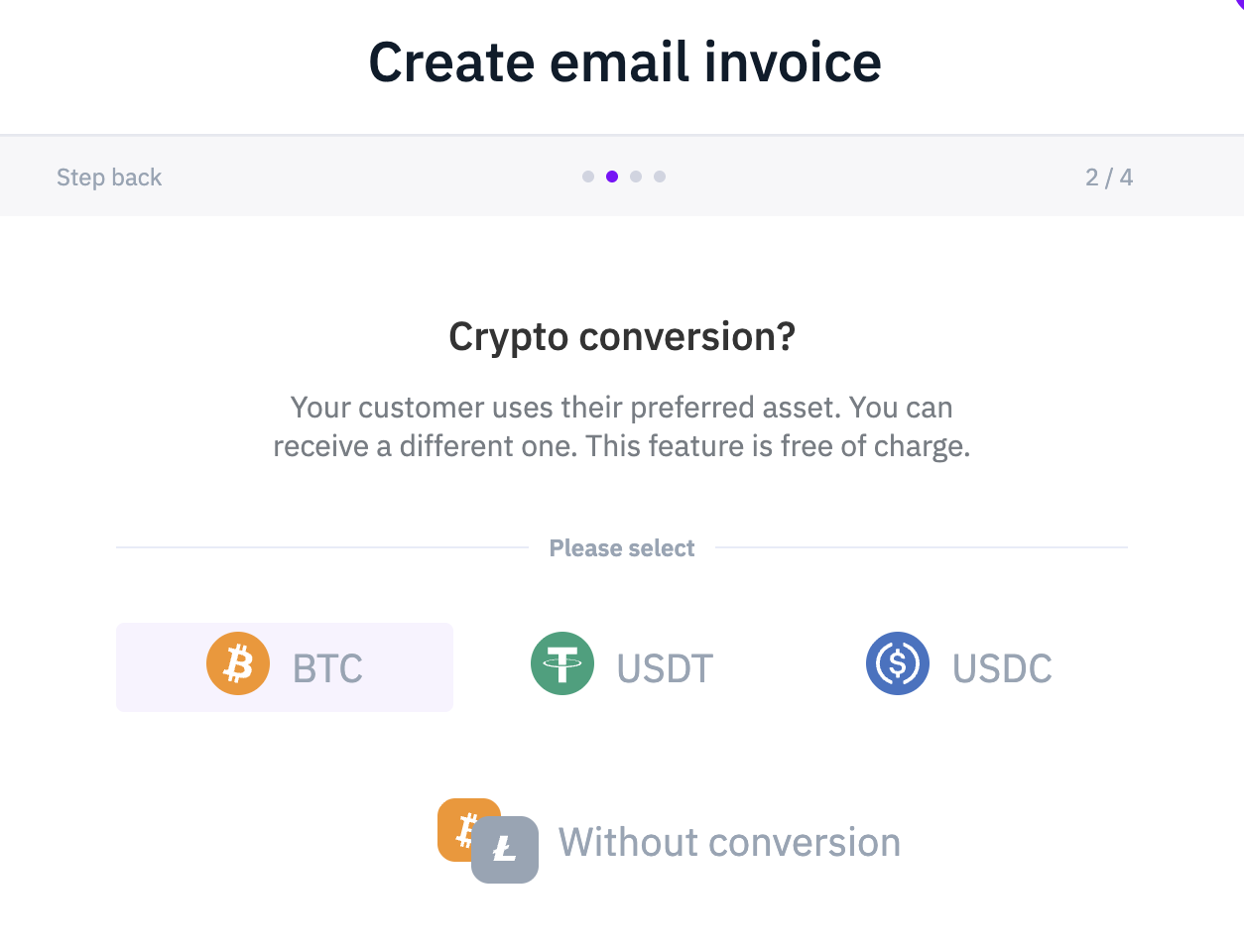
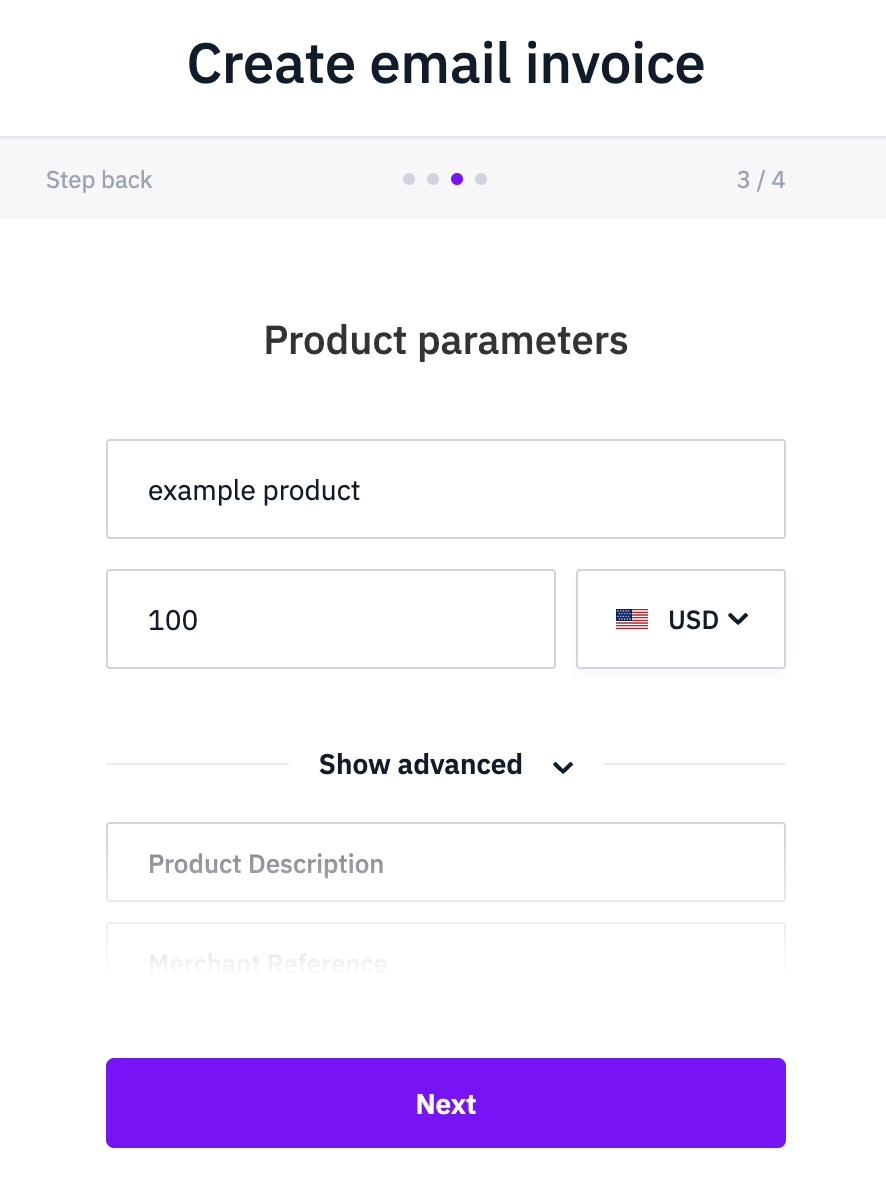
Next, you specify the product details and price the invoice is for. This corresponds to the invoice object in API.
Finally, you input the email address the invoice should be sent to double check all the inputed information in the preview.
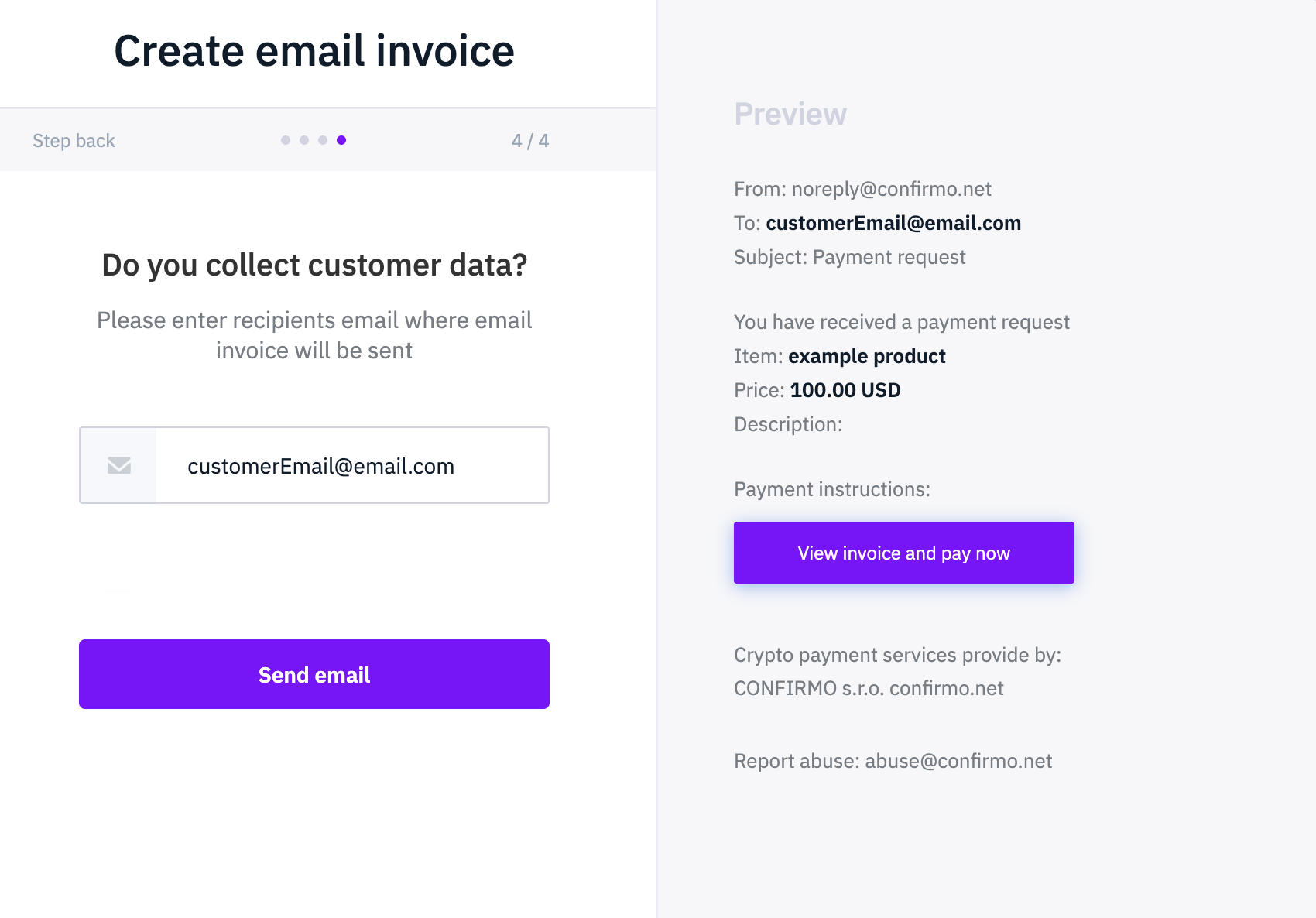
You can also send email invoices programatically. This can be done by sending a REST POST request to the https://confirmo.net/api/v3/email-invoices endpoint as per the example below:
curl --location 'https://confirmo.net/api/v3/email-invoices' \
--header 'Authorization: Bearer [YOUR_CONFIRMO_API_KEY]' \
--header 'Content-Type: application/json' \
--data '@data.json'
Where data can look like:
data = {
    "invoice": {
        "invoice": {
            "currencyFrom": "USD",
            "amount": 100
        },
        "product": { "name": "example product" },
        "settlement": { "currency": "USDC" },
        "returnUrl": "https://yourEShop.com/orderReceived",
        "notifyUrl": "https://yourEShop.com/orderReceived"
    },
    "targetEmail": "[email protected]"
};
The difference between sending an email invoice and generating a regular invoice link is the new parameter targetEmail that must be specified for the email invoices. Additionally, for email invoices, you should wrap the invoice data in a new object called invoice.
Updated 11 months ago