

Payment & Donation Buttons
You can also embed a static checkout button with pre-filled product information that users can always follow to pay you. Alternatively, you can use a donation button which works like a payment button but without the product being pre-set which makes the amount that can be sent through the invoice variable.
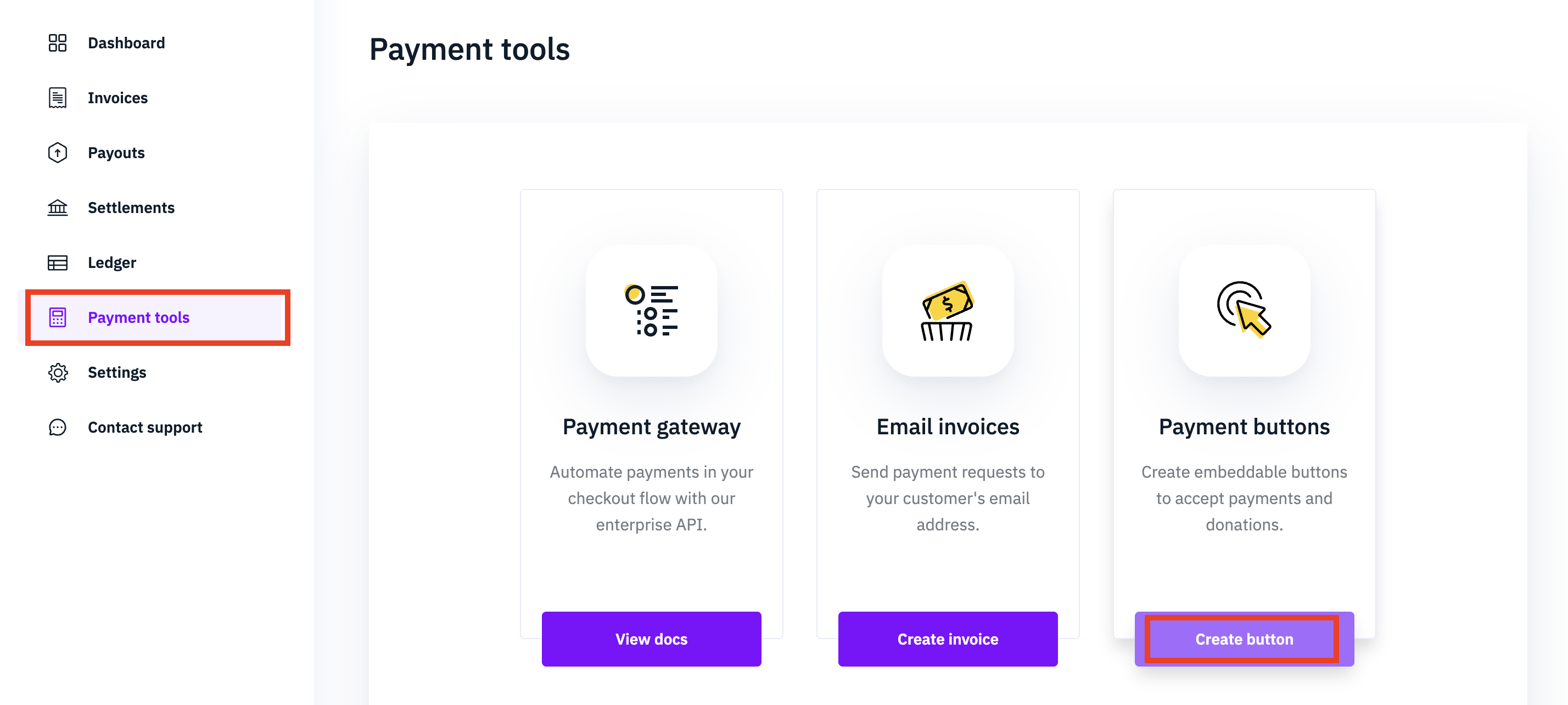
To make a new payment button, first, navigate to Payment tools and click "Create button".
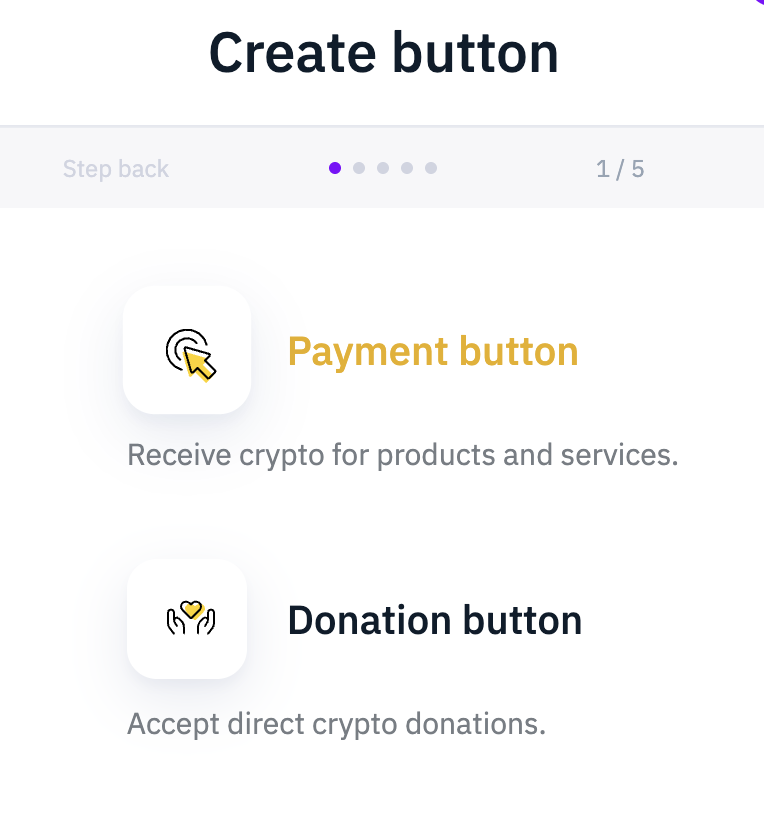
Next, select if you would like to make a Payment button or a Donation button.
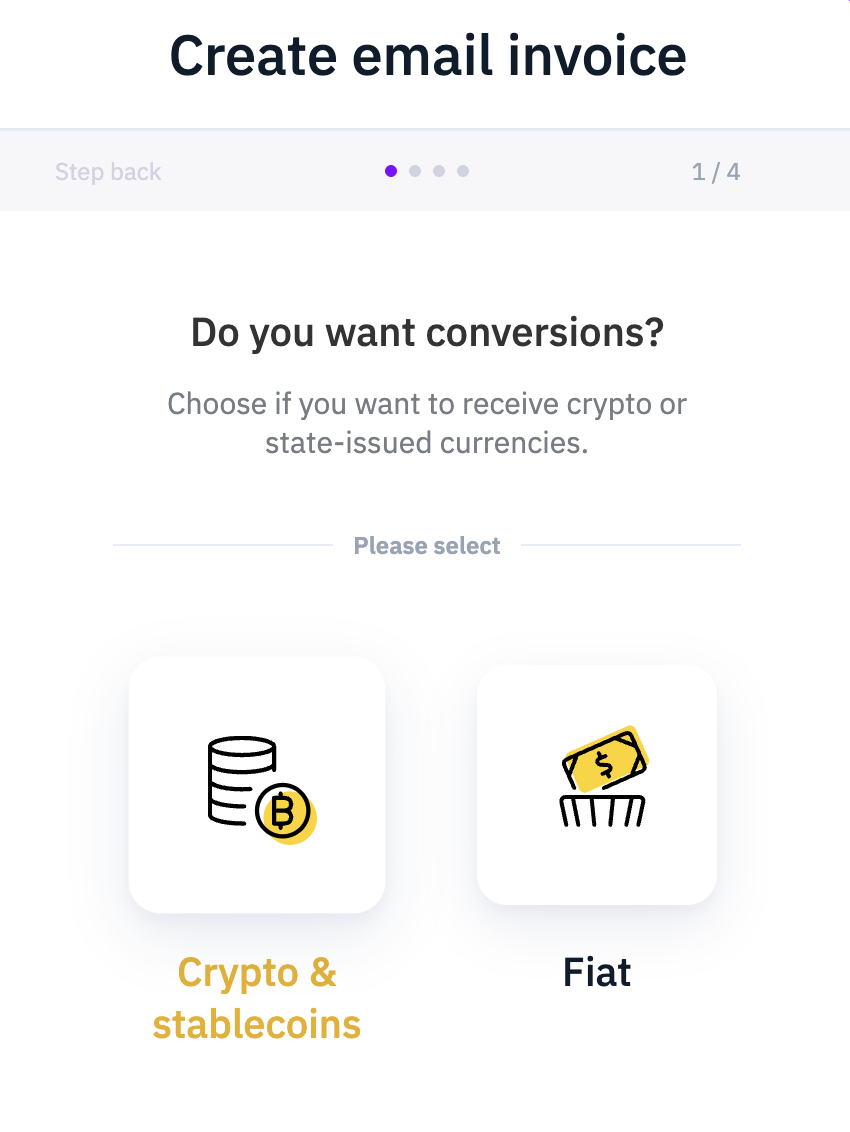
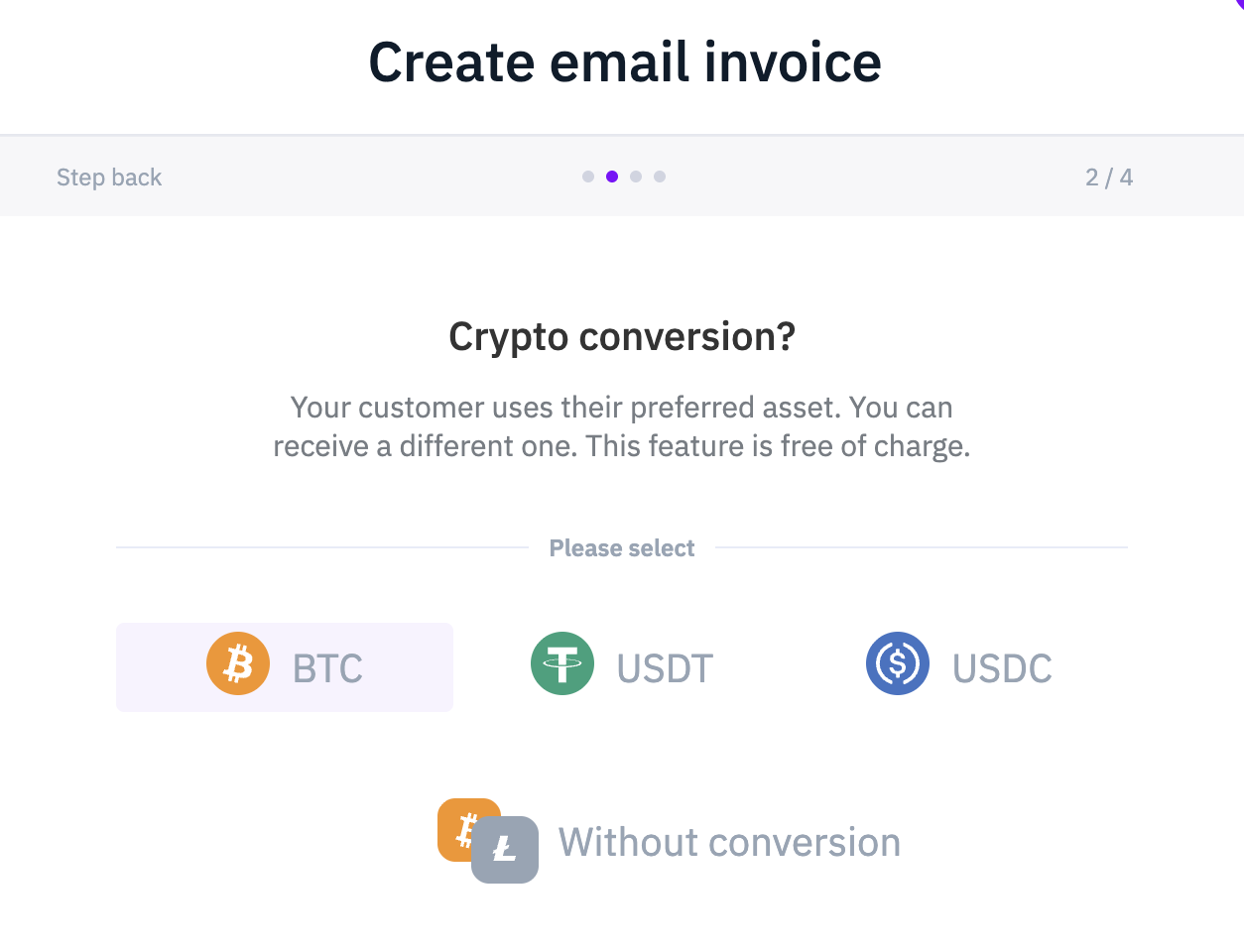
Then, select how you will receive the funds coming form the payment.
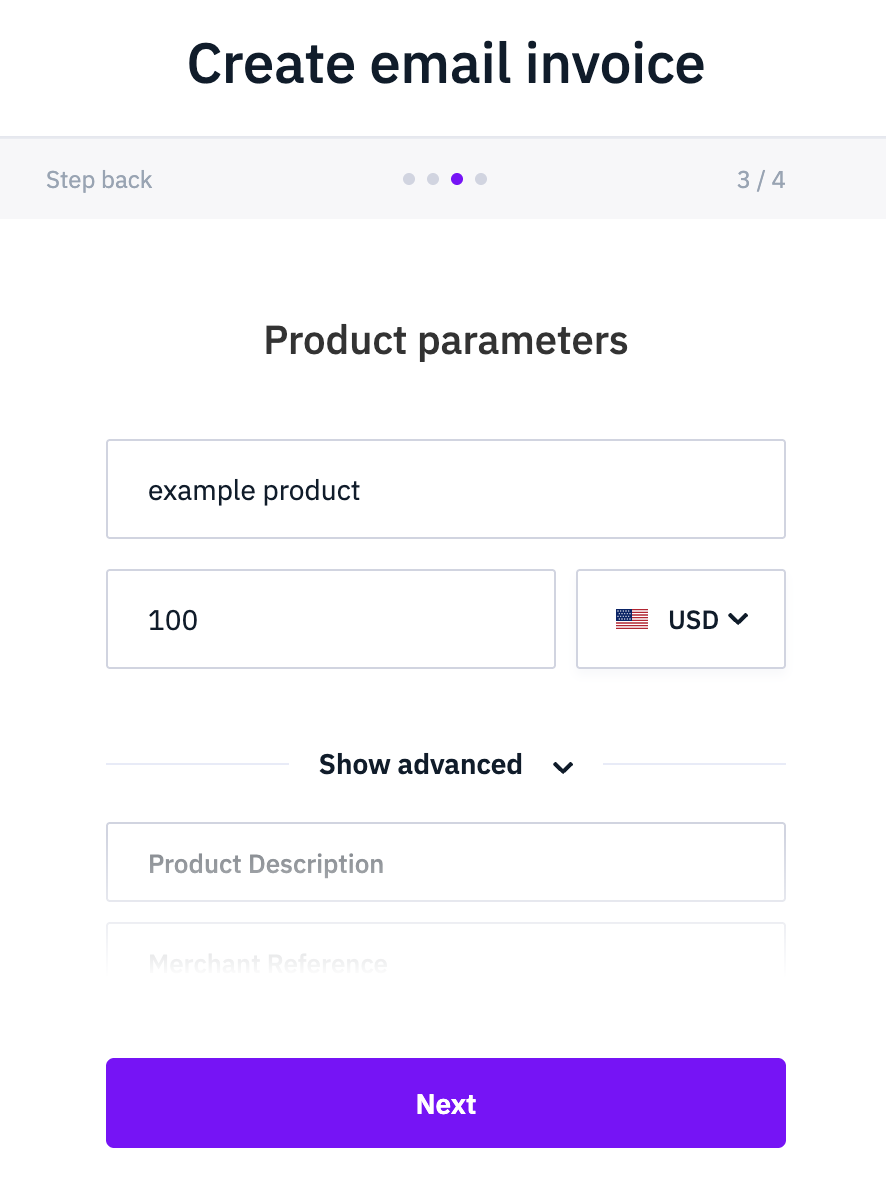
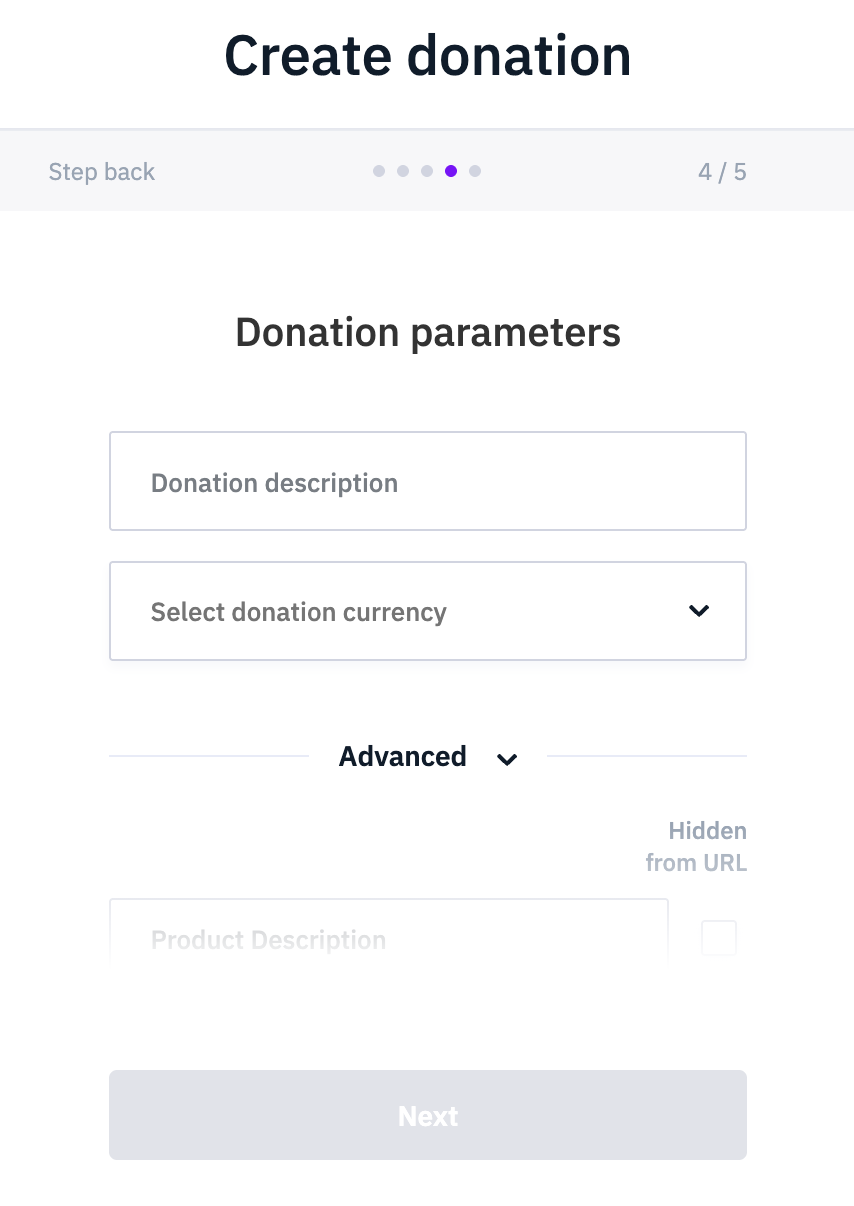
For Payment buttons you have to specify the product name and price. For Donation buttons we ask for a description of what your users are donating to and a currency in which you would like to receive the funds.
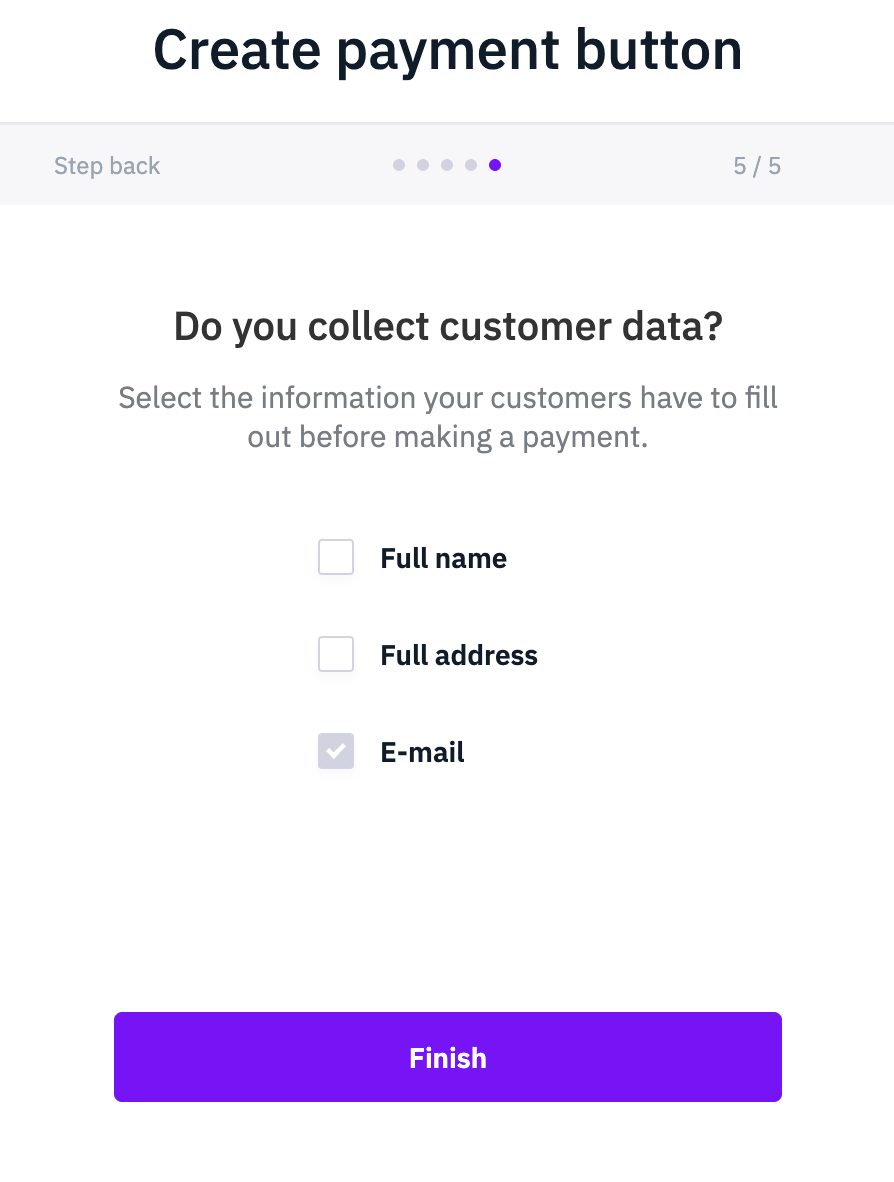
Finally, to handle required travel rule documentation tell us what type of customer information do you gather.
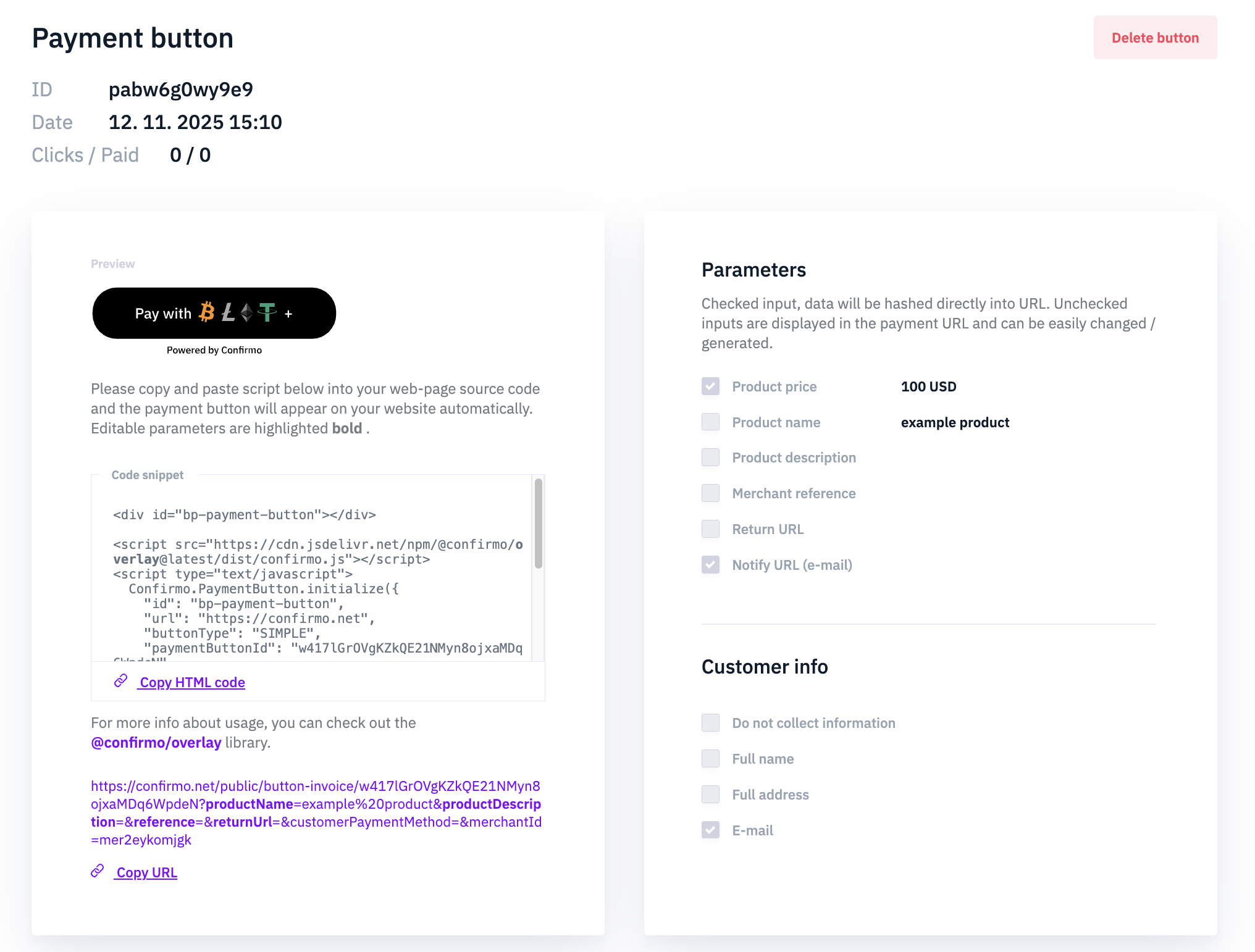
And finally you can start using your new payment button. You can copy the generated HTML code to embed the payment button into your website. We also offer the URL link of the hosted checkout related to this payment button.
Updated 23 days ago